
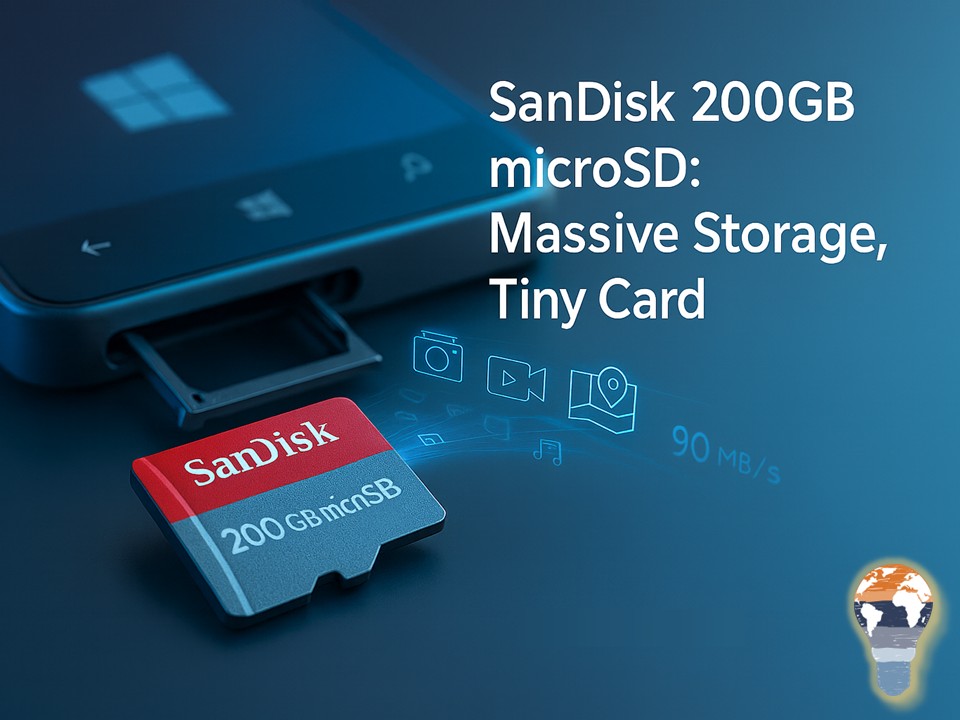
SanDisk’s 200GB microSD:
Massive Storage, Tiny Card
Remember when 32 GB felt roomy? Now, SanDisk just blew past “roomy” and landed squarely on “whoa.” The company unveiled a 200 GB microSD card—at launch the world’s highest-capacity microSD—and yes, it fits under your thumbnail. Availability is slated for Q2 2015 with an MSRP around $399.99 and rated read speeds up to 90 MB/s. That’s roughly 1,200 photos per minute shuttling from card to PC under ideal conditions. Not bad for something the size of a fingernail.
Why It Matters If You’re In The Microsoft/Windows Ecosystem
For Lumia users (640/640 XL, 830, 930, 1520) or anyone with a microSD-friendly 2-in-1, this tiny card behaves like a digital attic in your pocket. It changes how you capture, carry, and work with content when you’re offline or on shaky hotel Wi-Fi.
What that looks like in practice:
- Whole music libraries, offline maps for entire regions, and hours of 1080p footage—without storage anxiety.
- Field teams capturing photos and video all day, then syncing to OneDrive when back on a solid connection.
- Travelers ditching the “what do I delete?” routine on long trips.
Specs Snapshot
Specs set expectations and help you decide whether to jump early or wait for prices to settle. This is what SanDisk claimed at launch:
- Capacity: 200 GB (microSDXC, UHS-I, Class 10)
- Rated speed: Up to 90 MB/s read
- Launch window: Q2 2015
- MSRP: ~USD 399.99
- Warranty: Up to 10-year limited (region dependent)
Compatibility And Setup Essentials
Before you buy, make sure your devices are ready. A quick compatibility check and a clean setup will save you headaches later.
Key points to verify:
- Device support: Your phone, tablet, camera, or 2-in-1 must support microSDXC (exFAT).
- File system: Format in exFAT for files over 4 GB (useful for long 1080p clips).
- App installs: Windows Phone 8.1 lets you move apps/games to SD, but media (photos/video/maps) benefits most.
- Controller realities: “Up to 90 MB/s” is peak read; write speeds depend on the workload and device controller.
How More Capacity Changes Your Behavior
Big jumps in storage unlock new habits. When capacity stops being a constraint, you capture more, delete less, and treat your phone as a first-class camera and recorder. That’s not just convenience; it’s workflow. Creators record full interviews instead of snippets. Field technicians document entire sites instead of highlights. And commuters keep full playlists and video libraries offline for those no-signal moments.
Real-World Uses That Shine
Different roles benefit in different ways, but the common thread is uninterrupted capture and confident offline work.
Examples worth calling out:
- Mobile content studios shooting 1080p all week without nightly offloads.
- Pro workflows with Office mobile + OneDrive and a large local cache to avoid sketchy conference Wi-Fi.
- Windows devices in the field capturing site photos, inspection videos, and scanned docs without playing musical chairs with storage.
Nerd Notes: File Sizes, Bitrates, And Headroom
A bit of math helps you plan. With 200 GB, many common scenarios become “set it and forget it” rather than “constantly juggle files.”
Rules of thumb:
- 1080p video at ~20 Mbps consumes about 9 GB per hour—so 20+ hours before you need to offload.
- RAW photos at ~25 MB each translate to roughly 8,000 shots.
- Offline map data can land in the double-digit gigabytes; with 200 GB you simply download entire regions.
Care, Authenticity, And Performance Tips
Good habits protect performance and your data. A couple of simple checks up front go a long way.
Practical hints:
- Buy from reputable retailers; counterfeit cards are a thing.
- Validate capacity/throughput on first use (Windows tools or third-party utilities).
- Format in-device after first insert so controllers optimize allocation.
- Keep a backup routine: removable ≠ invincible—sync to OneDrive or your NAS on good Wi-Fi.
microSD And Cloud In 2015: Use Both
Cloud is brilliant for backup, sharing, and collaboration, but local storage wins when you’re offline or capturing continuously. The smart setup is both: record locally to a fast, spacious microSD; then sync to OneDrive when you hit reliable connectivity. In 2015, that combo delivers resilience, speed, and peace of mind.
Bottom Line
In 2015, 200 GB on microSD isn’t just a spec bump—it’s a behavior shift. If your device supports microSDXC and your work or life is heavy on photos, video, music, and offline content, this card turns storage anxiety into a distant memory. Pricey at launch? Absolutely. But for creators, travelers, and power users, it’s a premium that pays in fewer “storage full” pop-ups and more moments captured without compromise.
Stay clever. Stay responsible. Stay scalable.
Your Mr. Microsoft,
Uwe Zabel
🚀 Curious how mobile and Microsoft go hand in hand?
Follow my journey on zabu.cloud—where cloud, AI, and business strategy converge.
Or ping me directly—because building the future works better as a team.
