
Microsoft’s OneDrive Storage Rollback:
What’s Changing, How To Keep Your Space, And Why It Happened
I get it—the “unlimited” headline about OneDrive storage sounded great back then. But now, Microsoft dialed OneDrive back to something more sustainable: Office 365 Home/Personal plans settle at 1 TB per user, and free OneDrive accounts move from 15 GB to 5 GB. The popular camera-roll bonus is also going away. For some folks that’s a drop from 30 GB to 5 GB—enough to make anyone grumpy over morning coffee. The upside: if you act now, you can keep your existing free allotment. Here’s the view of what changed, why it changed, and the two-minute fix to protect your storage.
What’s Changing—and the Two-Minute Fix
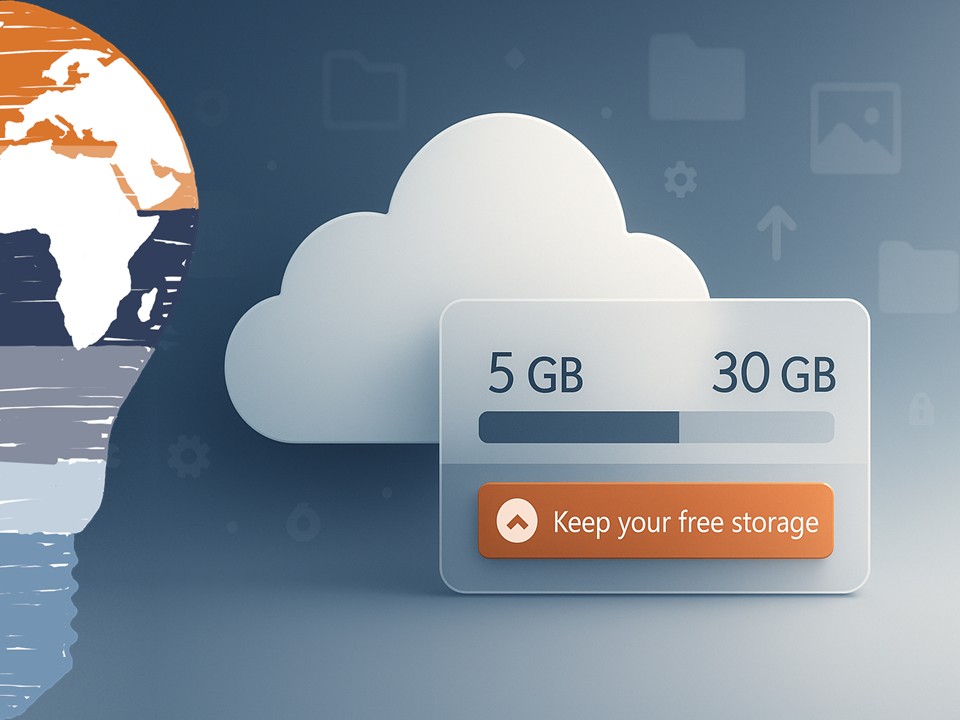
The policy shift is straightforward: paid consumer plans land at 1 TB; free accounts become 5 GB; the extra space you earned for automatic photo uploads is being retired. To keep your current free quota, Microsoft offered a one-click opt-in through January 31, 2016. Hit the “Keep your free storage” page, sign in, confirm, done. If you’re reading this do it now, then take a quick look at your usage in the OneDrive web portal. A short cleanup—duplicate videos, long-forgotten ZIPs, old phone backups—can free gigabytes fast.
Why Microsoft Pulled Back from “Unlimited”
Under the hood, a tiny fraction of users did exactly what the initial offer allowed: parked multiple terabytes—sometimes tens of TB—of media and backups in OneDrive. That’s technically compliant, but it blows up the economics and performance envelope of a consumer service that has to feel snappy and reliable for hundreds of millions of people. Re-centering on 1 TB per user and right-sizing the free tier restores predictability for capacity planning and keeps service quality steady. It’s not as exciting as “infinite,” but it should be fine for most of the users.
What OneDrive Does Well
Even with the rollback, OneDrive remains a solid everyday companion—especially in a Windows and Office world. Save a Word doc to the cloud, pick it up on another PC, share a link right from Outlook, auto-upload your phone photos, and keep your family in sync across devices. With Windows 10 out in the wild and Office evolving, the integration story is strong. For most people, 1 TB is plenty for active files, project archives, and a generous slice of photos—provided you’re intentional about what lives in the cloud versus what belongs in cold storage at home.
A Short Look Back: Mesh → SkyDrive → OneDrive
This service has been iterating for years. Microsoft started with Windows Live Mesh, then consolidated into SkyDrive, then rebranded to OneDrive in 2014 after a UK trademark dispute. Each turn added tighter Windows integration, better mobile apps, and saner sharing controls. Today’s change is part of that maturation cycle—trading headline promises for sustainable, widely useful storage that performs.
What you should Do Next
Lock in your free allotment before January 31, 2016, then make OneDrive mirror your real life. Keep your “active” world there—work docs, family photos you actually browse, travel scans, receipts. Park bulk media and rarely touched archives on a NAS or external drive. And schedule a tiny quarterly tidy-up: five minutes to nuke duplicates and move cold content out of your sync scope. It’s amazing how much calmer (and faster) OneDrive feels when it’s carrying the right weight.
Stay clever. Stay responsible. Stay scalable.
Your Mr. Microsoft,
Uwe Zabel
🚀 Curious how OneDrive, Office 365, and your personal-cloud setup can stay sane in 2015? Follow my journey on zabu.cloud—where cloud, AI, and business strategy converge.
Or ping me directly—because building the future works better as a team.


What do you think?