









Microsoft Continuum for Phones:
How Windows 10 Turns Your Smartphone into a PC
Turning your phone into a PC used to sound like sci-fi. At Build 2015, Microsoft walked on stage and said, in classic understatement: “Yeah, we can do that.” With Windows 10 and Continuum for phones, your smartphone suddenly looks a lot less like a handset and a lot more like a pocket-sized PC tower.
As someone who lives in the Microsoft ecosystem all day, this moment feels like a glimpse into a future where the device in your pocket is the core of your digital life, and screens are just satellites you dock into.
From phone screen to desktop display
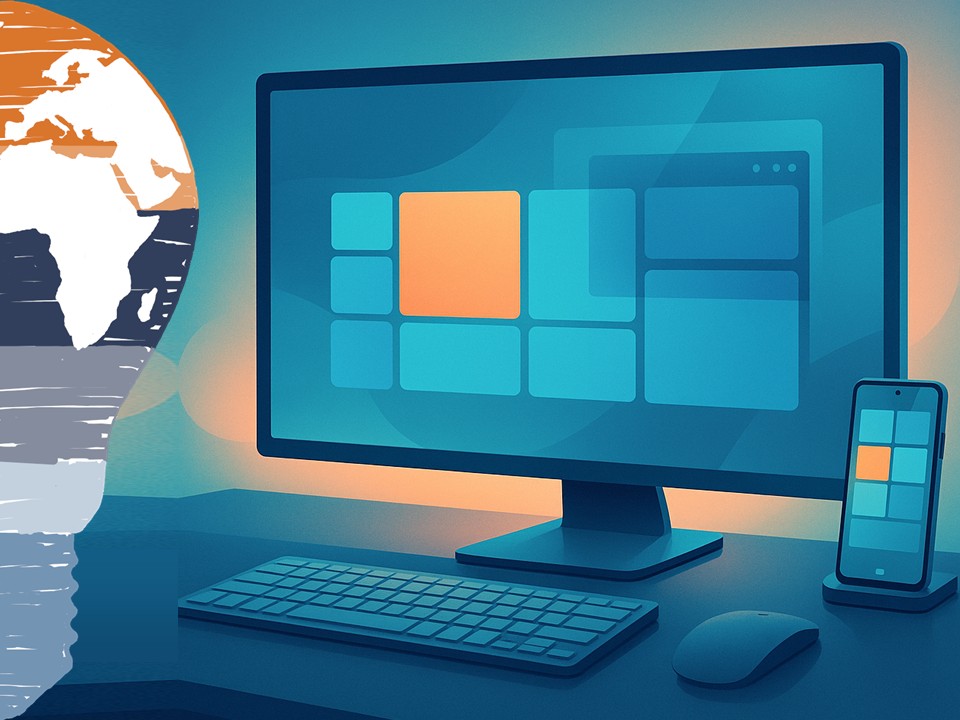
So what is Continuum for phones, exactly? In simple terms: you connect a Windows 10 smartphone to a larger display and peripherals, and the phone transforms its user interface into something that looks and behaves very much like a Windows 10 desktop.
In the Build demo, Microsoft showed a Windows 10 phone plugged into an external screen, with a Bluetooth keyboard and mouse attached. The result looked strikingly familiar: a Start menu, taskbar, windowed apps, and the ability to move things around like on a regular PC, while the phone itself stayed fully functional.
Under the hood, there is no secret second operating system. It is still the same Windows 10 on your phone. Universal apps simply adapt to the new form factor, scaling up gracefully from a small portrait screen to a full HD monitor. Your Outlook, Word, Excel, PowerPoint, and other universal apps become “desktop-style” without you changing the device.
The phone is the computer. The screen is just that: a screen.
One device, many experiences
What excites me most is not the demo itself, but the mindset shift behind it. Continuum for phones is Microsoft taking the idea of “one platform, many devices” and applying it all the way down to your pocket.
For years, we have lived with a split brain:
- One device for email and Office on the go
- Another device for “real work” at the desk
- Maybe a tablet somewhere in between
Continuum suggests a different model. You might carry a single Windows 10 phone and plug it into whatever is available:
- A docking station at the office
- A monitor in a hotel room
- A screen and keyboard in a shared project space
On each of these, you get a full-screen, keyboard-and-mouse experience powered by the same device. Your identity, your apps, your data, your policies – all travel with you. No more juggling multiple machines, VPN setups, and half-synced profiles.
For IT, this is where it gets really interesting. If the phone becomes a secure, policy-driven workplace endpoint, backed by Azure Active Directory, Intune, and enterprise management, we are suddenly talking about new device strategies entirely. Fewer full-blown PCs, more smart phones that can “scale up” when you sit down at a desk.
Why Continuum matters for app modernization
From an application perspective, Continuum is also a very loud message to developers: if you build true universal Windows apps, you get new form factors for free.
In the past, you often needed:
- A separate desktop application
- A separate phone app
- Maybe a web app on top
With Windows 10 and Universal Windows Platform (UWP), the idea is different: one codebase, adaptive UI, and multiple screen targets. Continuum for phones turns that into a compelling promise: build it once, run it on the phone, and when the phone connects to a larger display, your app automatically “grows up” into a desktop-like experience.
That is pure gold for application modernization:
- Legacy line-of-business apps can be reimagined as adaptive Windows 10 apps.
- Field workers can carry a single device and still work on “desktop-grade” screens on-site.
- Enterprises get a consistent experience, whether users are on a phone screen or a full monitor.
For me as “Mr. Microsoft”, this is where Continuum moves from “cool demo” to “strategic pattern”: it pushes us towards building apps that care less about the device and more about the experience.
Scenarios that suddenly become possible
If you think beyond the keynote stage, a few real-world scenarios practically beg for Continuum. Imagine:
- A consultant travels with only a Windows 10 phone. At the client site, they plug into a monitor and keyboard and run full presentations, email, and documents – all from the phone.
- A frontline worker in a warehouse uses the phone as a handheld scanner and data capture device, then docks it in the office to process reports in Excel or a custom business app.
- Small businesses provide just docking stations and screens at each desk, while employees bring a corporate-managed Windows 10 phone that becomes their only “PC”.
Is this going to replace every desktop overnight? Of course not. Heavy workloads like 3D rendering, large-scale data analytics, or complex development environments will still favor full workstations for now. But for a huge portion of information workers, this “phone as PC when docked” model is a very real option.
And that is exactly why Continuum feels like a glimpse into the future, not just another mobile feature.
What about the limitations?
We are still early in 2015, and Microsoft is clear that Continuum for phones is a work in progress. There are a few important caveats:
- Only modern universal apps will support the responsive, desktop-style experience. Classic Win32 desktop applications will not magically run on your phone.
- Hardware requirements matter. Phones will need enough CPU, GPU, and memory horsepower to drive external screens smoothly.
- Enterprises must be ready with management, identity, and security concepts that support this convergence of phone and PC.
But every new platform starts with limitations. The key is direction of travel, and here it is very clear: Windows 10 is not “one OS with many compromises”, but a unified platform that adapts to where you are and what you are using.
From my point of view, Continuum for phones fits neatly into Microsoft’s bigger story:
- A single Windows core powering phones, tablets, PCs, and even Xbox
- A shared app model (UWP)
- Cloud-powered identity and management via Azure AD and Intune
- And now, a UI that dynamically adjusts all the way from palm-sized to full desktop
Why this resonates with me
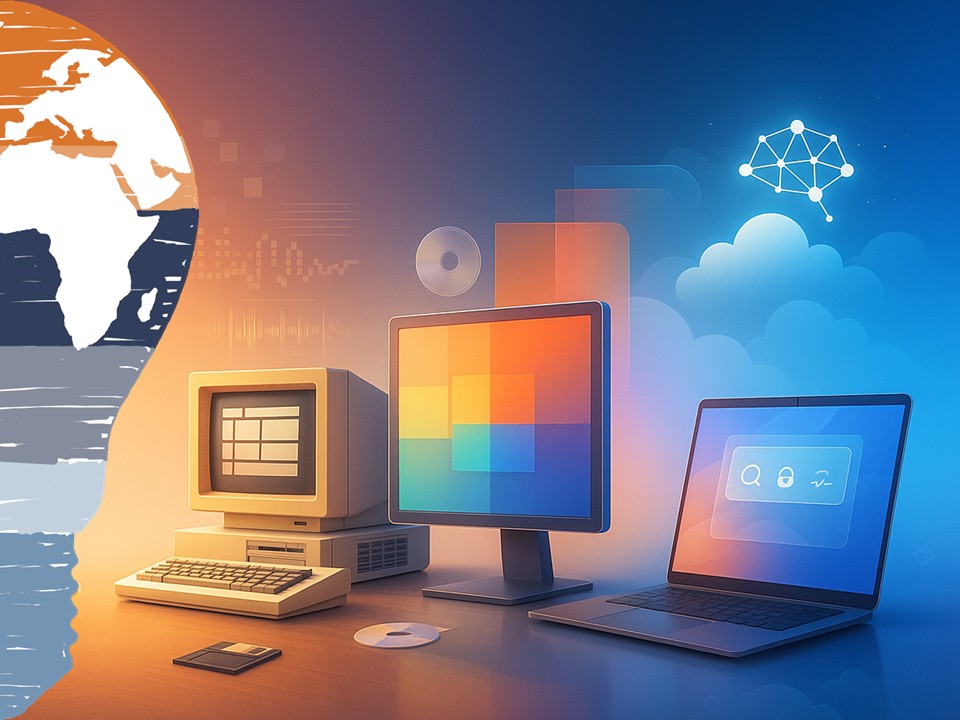
I started my own journey in tech on very different machines: old Commodore systems, DOS, early versions of Windows. We moved from text-only interfaces to graphical desktops, from beige towers to sleek laptops, from local applications to cloud services.
Continuum feels like the next chapter in that evolution: the PC shrinks into your pocket, but the experience expands onto whatever screen is closest. The phone is no longer “the little companion” – it is the core.
As someone who helps clients modernize their applications and infrastructure, I see Continuum as an invitation:
Design for mobility and productivity first, not for a specific device.
Build apps that adapt, not apps that are locked to one form factor.
Assume your users will want to move seamlessly between contexts – desk, meeting room, train, home – without losing their workspace.
If Microsoft executes well on Continuum for phones, the line between “phone”, “tablet”, and “PC” could become less and less meaningful. In the end, it is all Windows 10 – just expressed through different screens and inputs.
Conclusion
Turning a Windows 10 phone into a PC-sized experience is more than a party trick at a developer conference. It is a signal that our computing world is changing again. Devices become docks. Apps become adaptive. And your “PC” might soon be wherever your phone is.
Will Continuum for phones become the new normal, or remain a niche feature? In May 2015, we cannot know yet. But as a long-time Microsoft watcher and practitioner, I am convinced of one thing: this is exactly the kind of bold experiment we need to move beyond the old “one user, one PC” mindset.
Stay clever. Stay mobile. Stay converged.
Your Mr. Microsoft,
Uwe Zabel.
🚀 Curious how Windows 10 Continuum and device convergence could reshape your workplace? Follow my journey on Mr. Microsoft’s thoughts—where cloud, AI, and business strategy converge.
Or ping me directly—because building the future works better as a team.
Discover more from Mr. Microsoft's thoughts
Subscribe to get the latest posts sent to your email.